Screen recorder for sales
Send a personalized demo instead of booking another call
Who this is for
Built for a specific recording job
These pages are written for people deciding whether TabCaster fits a real workflow, not for generic screen recording theory.
Sales reps following up after a discovery call with a personalized product walkthrough.
Account executives recording async demos for prospects in different time zones.
SDRs recording short personalized outreach clips showing the prospect's own product or website.
Workflow
Record a follow-up demo in under five minutes
The highest-converting async sales videos are short, specific, and feel like they were made for that one prospect — not a generic product tour. TabCaster makes that fast.
- 1
Open your product in a demo account. If doing personalized outreach, open the prospect's website in a second tab.
- 2
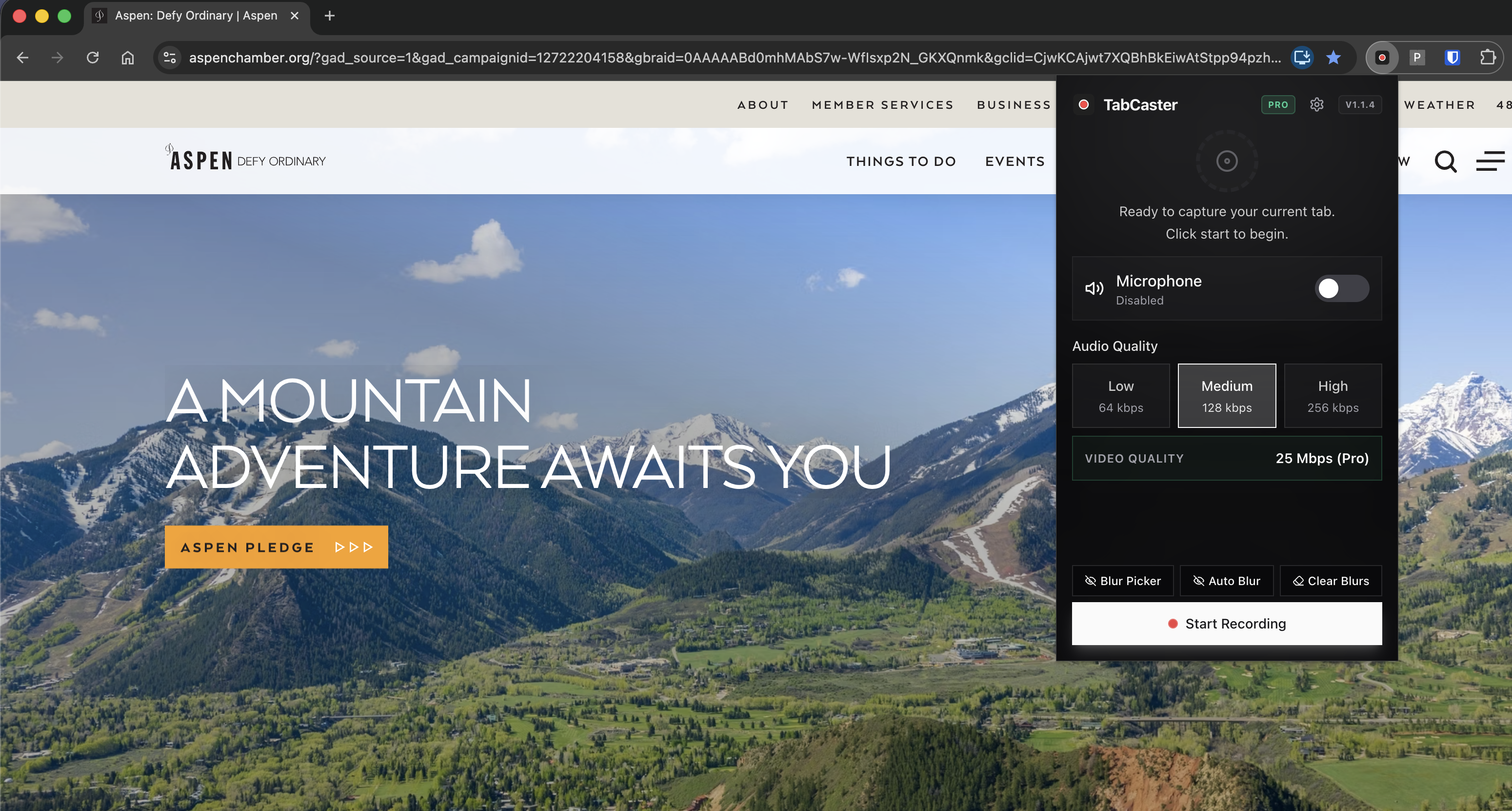
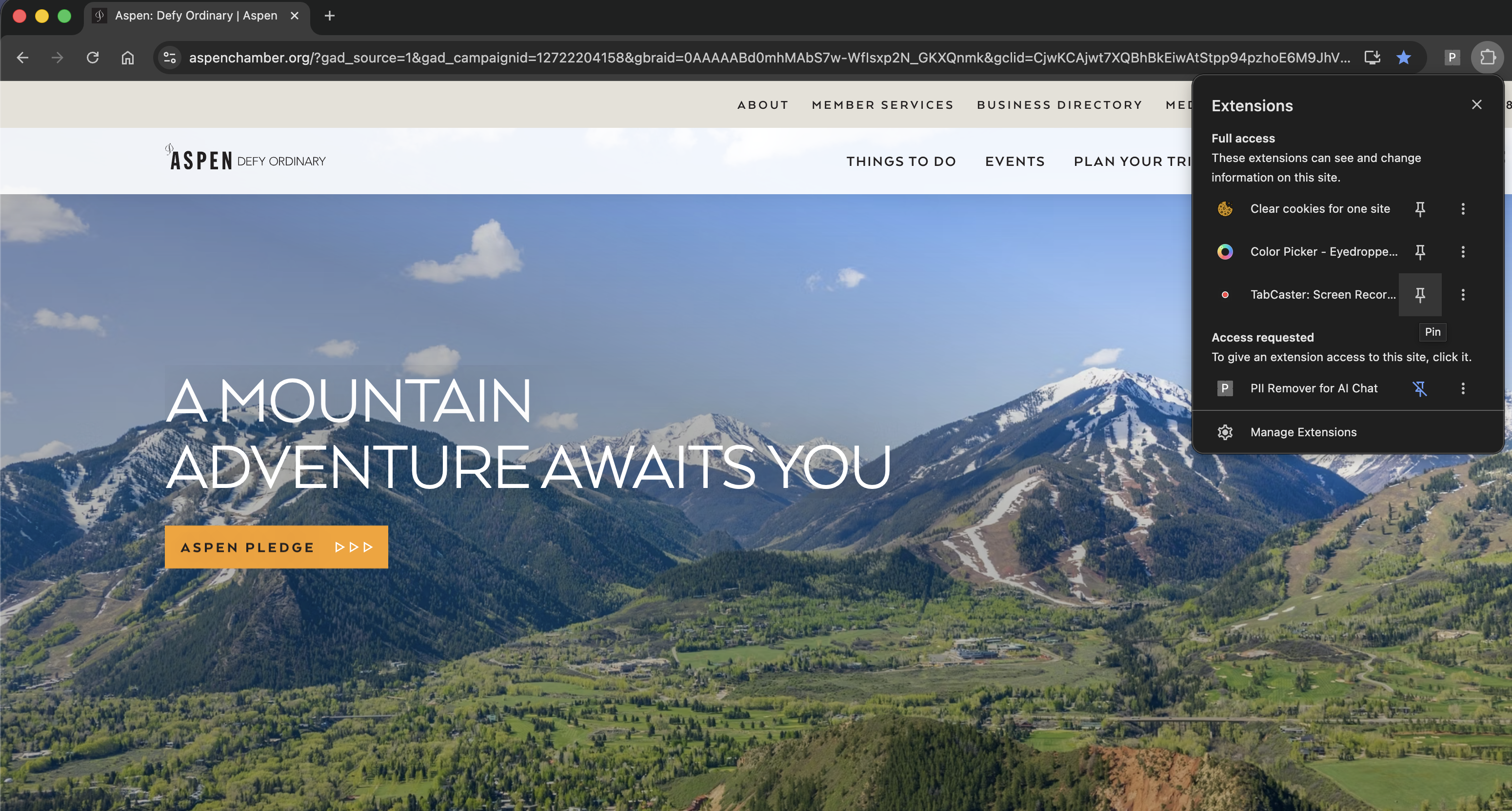
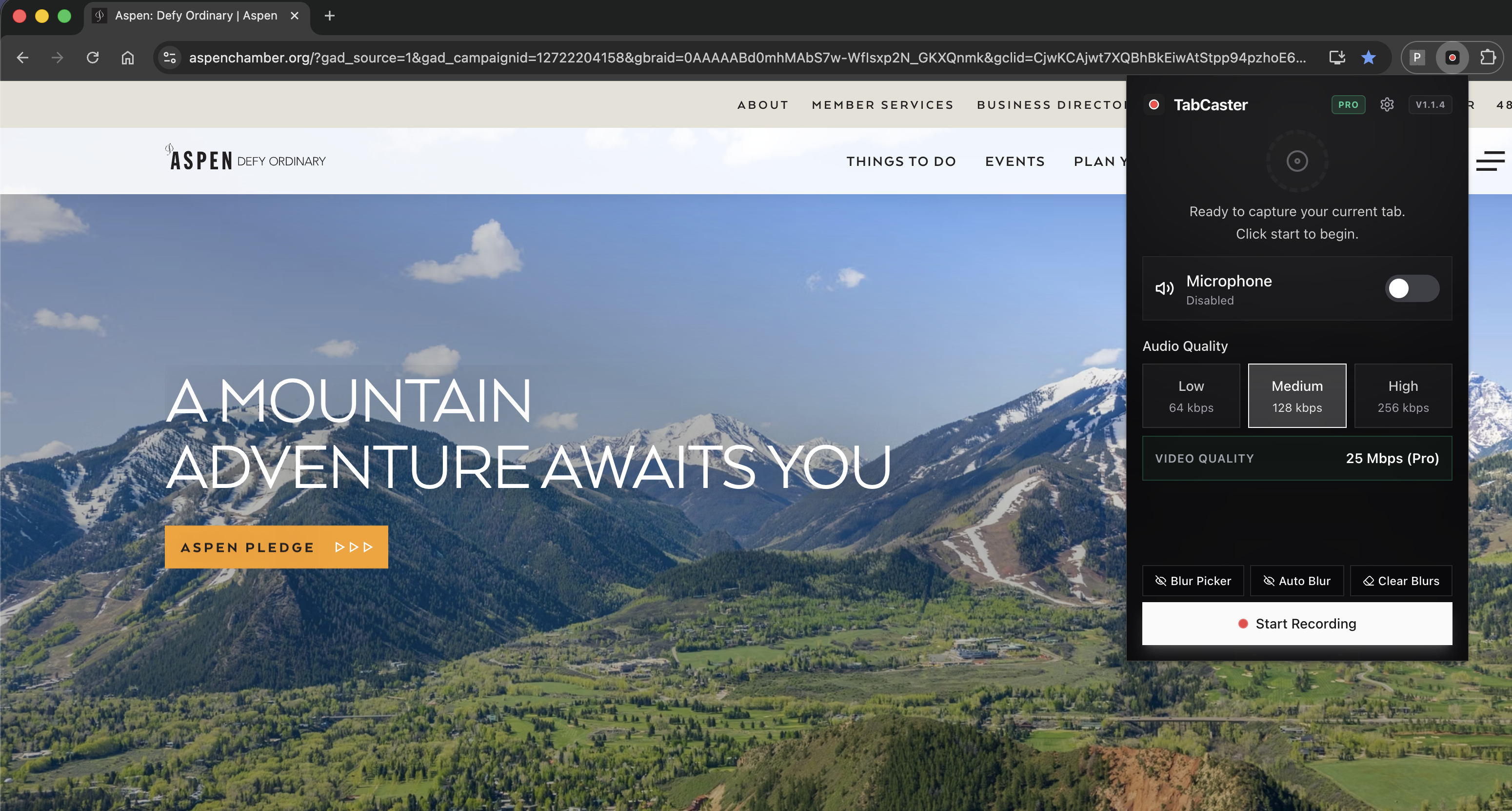
Click the TabCaster icon and turn on microphone narration.
- 3
Start with one sentence that references the specific problem from your discovery call: 'You mentioned your team spends too much time on X — here's exactly how that works.'
- 4
Walk through the one or two features most relevant to that prospect. Skip everything else.
- 5
End with a clear next step: 'Reply to this email or book 15 minutes here if you'd like to go deeper.'
- 6
Stop recording. The file saves to Downloads. Attach it to your follow-up email.
Why a 90-second personalized clip outperforms a generic demo deck
Prospects receive dozens of follow-up emails. A video that opens with their company name or references a specific thing they said in the discovery call gets watched. A generic product tour does not. TabCaster makes it fast enough to personalize every follow-up — record, save, attach, send.
Comparison
Async video in sales: when TabCaster fits vs when a video platform fits better
| Need | TabCaster | Alternative |
|---|---|---|
| Personalized follow-up clips | Record, save, attach — fastest path from discovery call to a personalized video in the prospect's inbox. | Video platforms (Loom, Vidyard) add hosting and analytics but require an account and subscription. |
| View analytics (did they watch?) | Not available — TabCaster saves a local file with no tracking. | Loom and Vidyard show who watched, how long, and how many times. |
| Privacy-sensitive demo accounts | Local file, never uploaded automatically. Blur available for sensitive fields. | Hosted platforms upload the recording to their cloud by default. |
| Shareable link instead of attachment | Not built in — upload the file to Drive, Dropbox, or your CRM and share that link. | Video platforms generate a shareable link automatically after recording. |
Privacy
Recording prospect websites and internal demo accounts
When recording the prospect's own website as part of outreach, be aware of what's visible on screen — avoid capturing any internal data or information that could be considered sensitive. For demo account recordings, use a clean demo workspace with no real customer data. Review the clip before sending.
Limitations
What to know before recording
- TabCaster produces a local video file — it does not track whether the prospect watched the video. If view analytics matter to your sales process, use a hosted video platform instead.
- Files attached to email may be blocked by some corporate email filters. Upload to a shared drive or video host and send a link if attachment delivery is unreliable.
- TabCaster records the browser. For product demos that require the desktop app rather than a web interface, switch to full-screen recording mode.
- Long demos (over 5 minutes) have significantly lower watch-through rates in async sales contexts — keep recordings focused on 1–2 pain points.
FAQ
Practical questions
Answers are visible for readers. This page does not depend on FAQ rich-result markup.
How long should an async sales demo be?
Under 90 seconds for cold outreach. Two to four minutes for post-discovery follow-ups. Anything longer needs a specific reason — most prospects won't watch a 10-minute async demo.
Can I record the prospect's website as part of my outreach?
Yes. Open their site in a Chrome tab and record it with TabCaster while narrating how your product solves a problem visible on their page. Keep it under 60 seconds.
Should I send the file as an attachment or a link?
Links are more reliable. Upload the file to Google Drive, Dropbox, or your CRM's file storage, then paste the link into your email rather than attaching the raw file.
Does TabCaster track whether the prospect watched the video?
No. TabCaster saves a local file with no analytics. If view tracking is important for your sales process, host the file on a platform like Loom or Vidyard instead.
Related
Keep going
TabCaster features
See the core recording, audio, privacy, WebM, and Pro quality features.
Privacy notes
Review how local recording, downloads, and browser permissions are described.
Screen recorder for product demos
Recording polished product demos for launch announcements and onboarding.
Loom alternative
When a local file fits better than Loom's hosted video workflow.
Record the tab, keep the file.
Install TabCaster, record a focused browser workflow, and save a local WebM file without a required cloud upload.
Add to Chrome Free