Loom alternative
A Loom alternative when local capture matters more than cloud collaboration
Who this is for
Built for a specific recording job
These pages are written for people deciding whether TabCaster fits a real workflow, not for generic screen recording theory.
Founders, support teams, and QA testers recording browser workflows that may contain private data.
People who want a saved local file instead of an account-first hosted video workflow.
Teams that already share files through tickets, Slack, docs, or their own storage.
Workflow
Use TabCaster for private capture, use Loom for shared review
The decision is not about which product is universally better. It is about where the recording should live after capture.
- 1
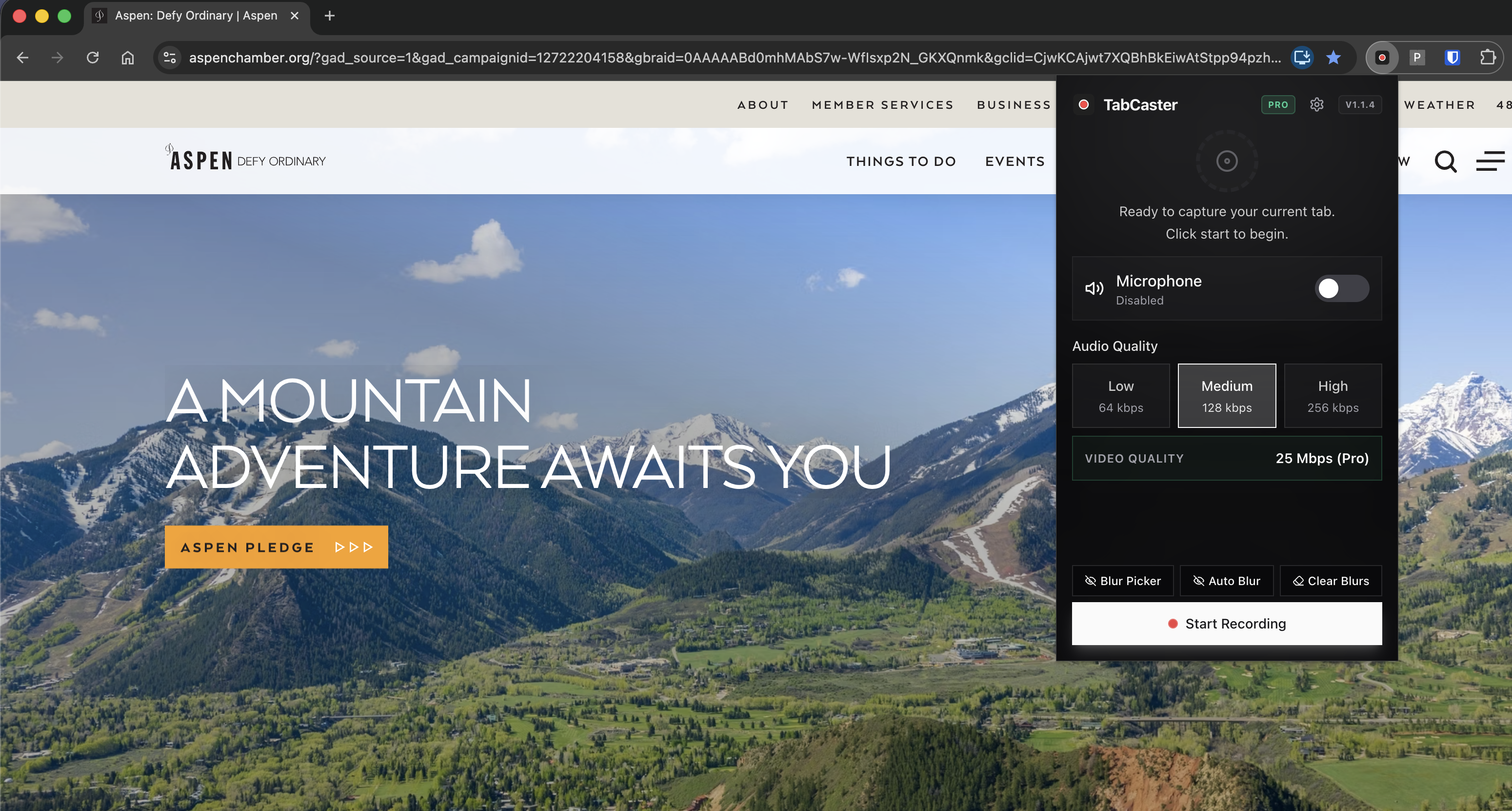
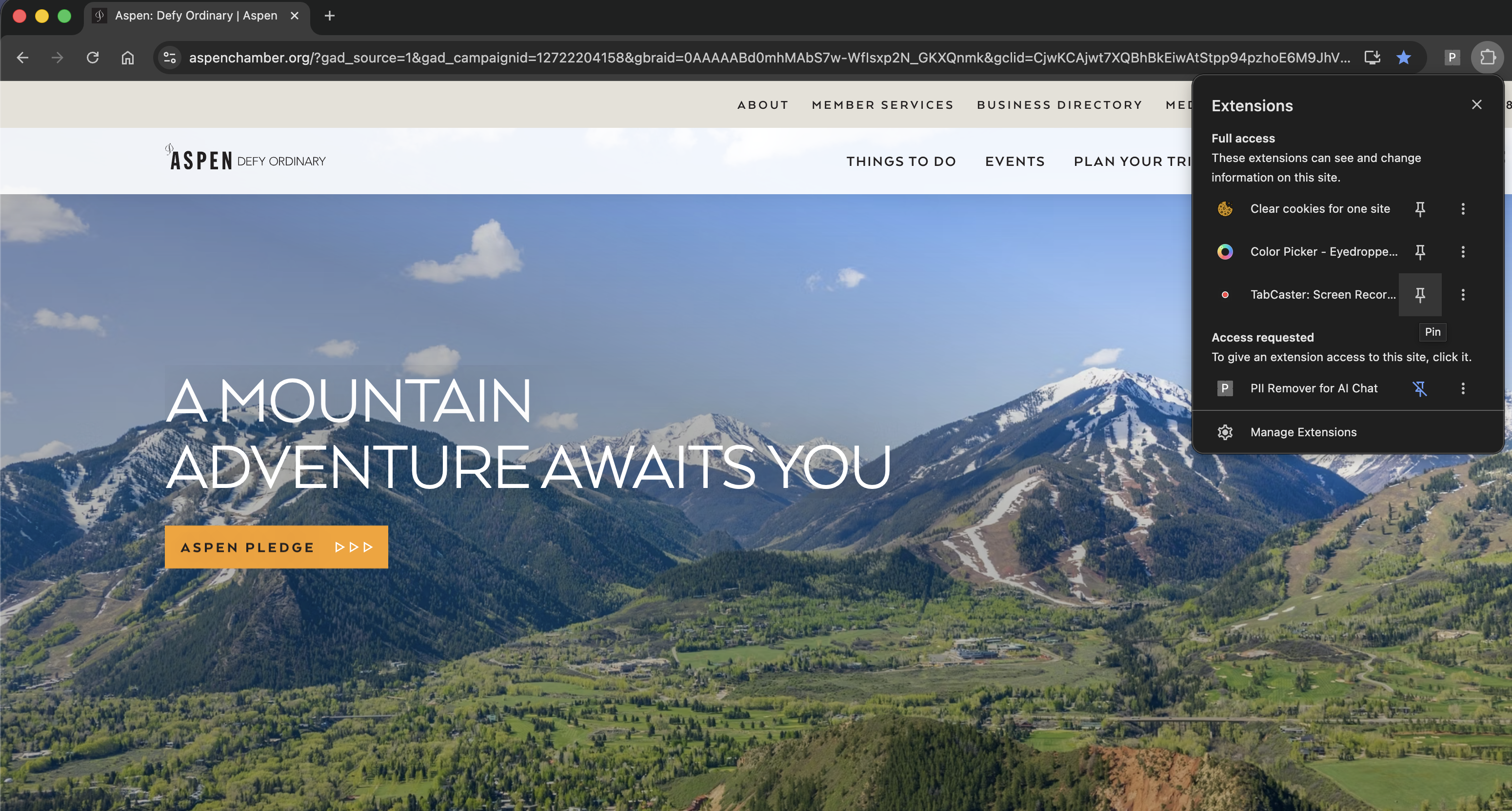
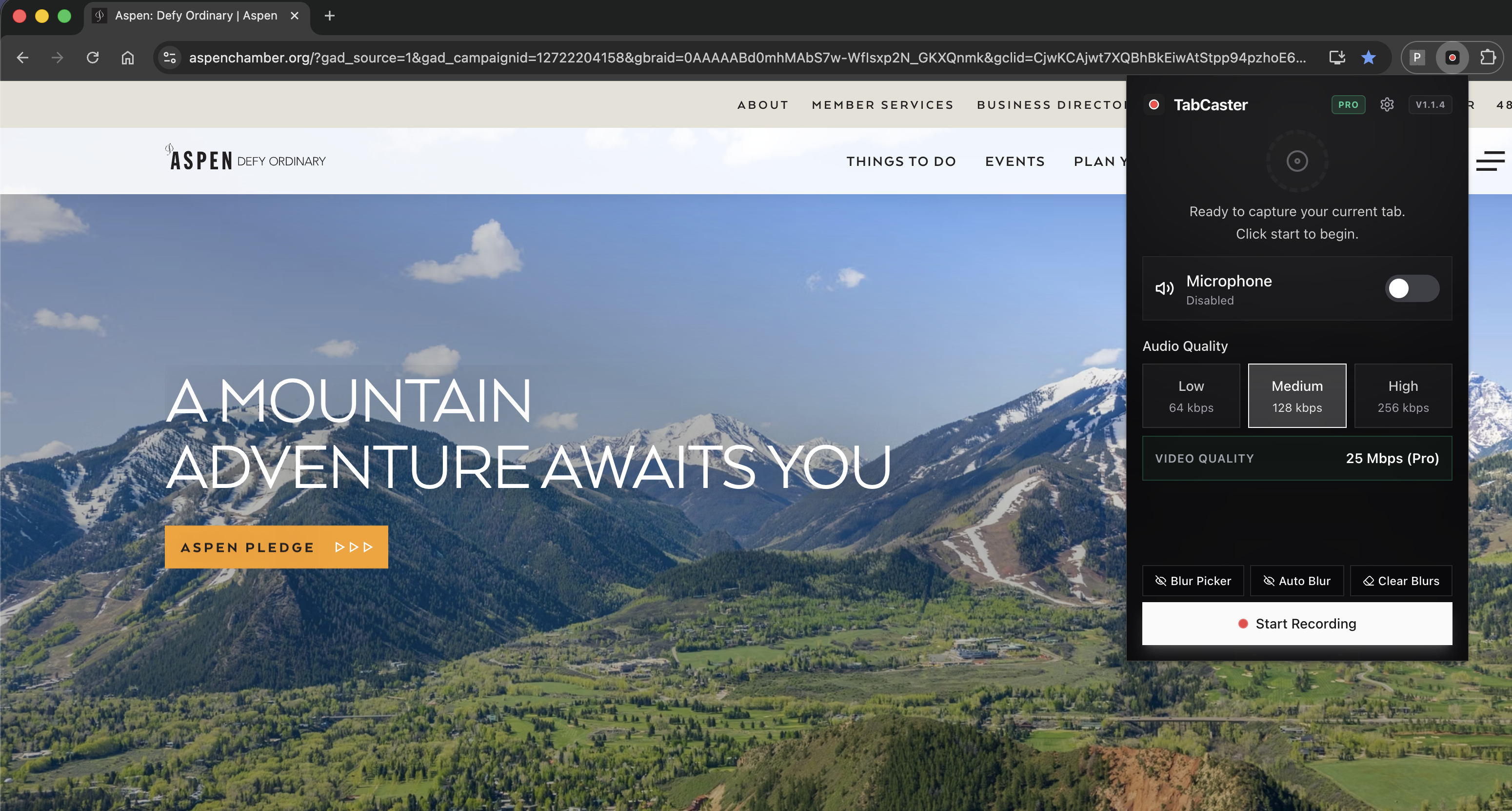
Open the browser tab you need to explain and start TabCaster from the Chrome toolbar.
- 2
Record the tab with microphone narration and browser audio when needed.
- 3
Stop recording and save the WebM file directly to Downloads.
- 4
Attach the file to the ticket, send it in your team chat, or convert it to MP4 if your destination requires it.
Why a local file beats a cloud library for private recordings
TabCaster is built around a local recording workflow: record the selected tab, keep processing in the browser, and save a WebM file. Loom is designed around hosted videos, comments, and a cloud workspace. That makes Loom useful for collaborative review, but unnecessary when you only need a private recording file.
Comparison
Honest comparison
| Need | TabCaster | Alternative |
|---|---|---|
| Private local capture | Strong fit: records in the browser and saves a local WebM file. | Loom is stronger when the goal is a hosted shared video. |
| Team comments and library | Not the core workflow; share the exported file wherever your team works. | Loom is purpose-built for hosted collaboration and team libraries. |
| Sensitive browser data | Pro includes automatic blur for common sensitive patterns before capture. | Review Loom's current privacy and editing tools before recording sensitive workflows. |
Privacy
Privacy posture
TabCaster does not require a cloud upload to produce the recording. The output is saved locally, and Pro can blur common sensitive patterns before capture. You still need to review recordings before sharing them, especially when customer data, internal URLs, or tokens are visible.
Limitations
What to know before recording
- TabCaster does not replace Loom's hosted comments, viewer analytics, or team video library.
- WebM may need conversion to MP4 for some external publishing workflows.
- Very long recordings still depend on local device memory, storage, and browser behavior.
FAQ
Practical questions
Answers are visible for readers. This page does not depend on FAQ rich-result markup.
Is TabCaster a full Loom replacement?
Not for every workflow. TabCaster is a better fit for local Chrome tab recordings. Loom is better when you need hosted collaboration, comments, and a team library.
Does TabCaster require an account to record?
No. The core workflow is install, record the selected tab, and save the file locally.
Can I still share a TabCaster recording?
Yes. You share the exported file through your own tools, such as Slack, Jira, GitHub, email, cloud storage, or documentation.
Related
Keep going
TabCaster features
See the core recording, audio, privacy, WebM, and Pro quality features.
Privacy notes
Review how local recording, downloads, and browser permissions are described.
Private screen recorder
See the local-processing workflow in more detail.
TabCaster vs Loom comparison
Side-by-side feature table with honest trade-offs between both tools.
Record the tab, keep the file.
Install TabCaster, record a focused browser workflow, and save a local WebM file without a required cloud upload.
Add to Chrome Free