Private screen recorder
A private screen recorder for browser work
Who this is for
Built for a specific recording job
These pages are written for people deciding whether TabCaster fits a real workflow, not for generic screen recording theory.
Teams recording support cases, QA bugs, product demos, or internal workflows.
Users who want control over where the finished file is stored and shared.
Anyone recording pages that may contain sensitive data.
Workflow
Keep capture local, then choose where the file goes
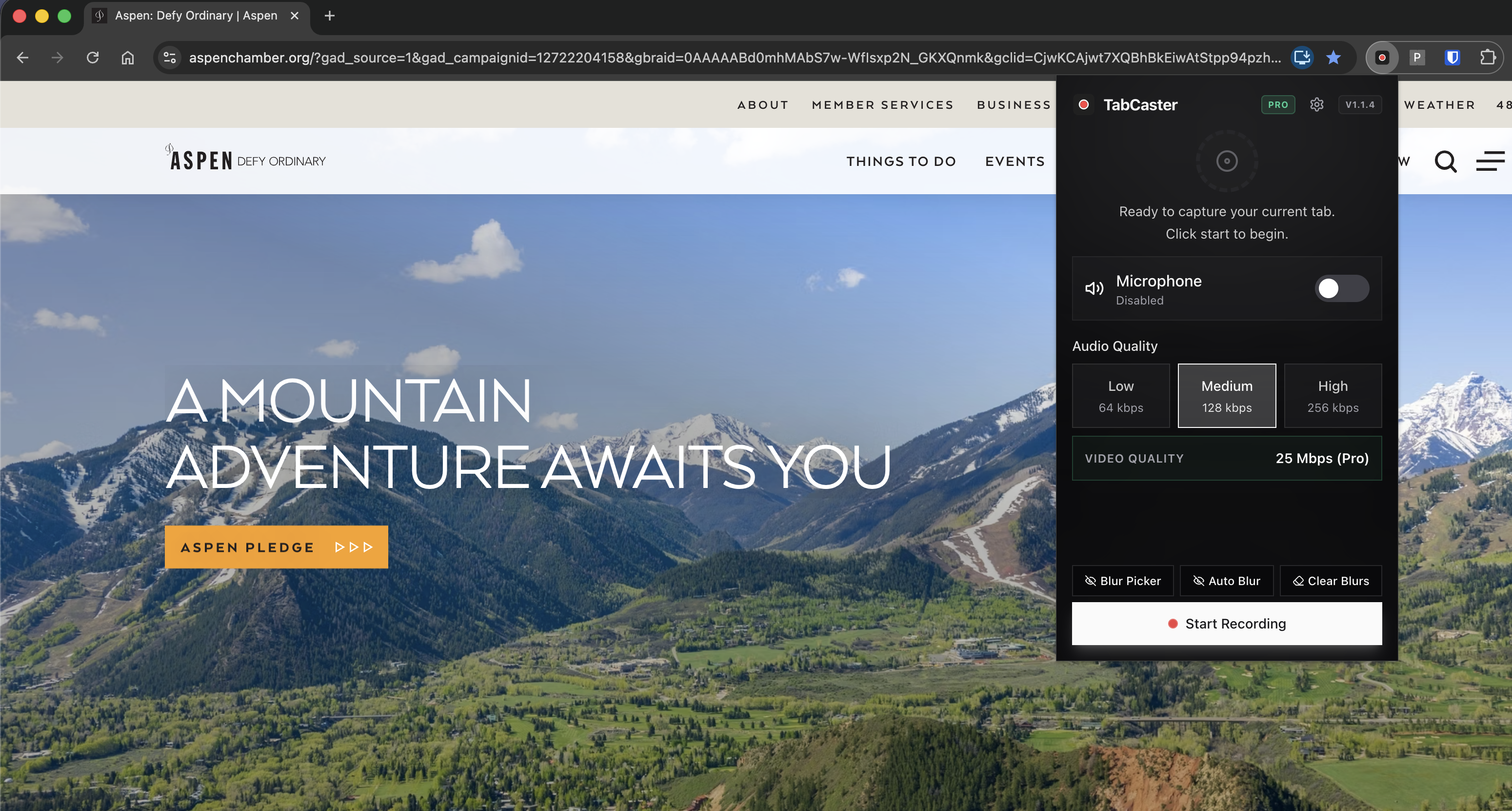
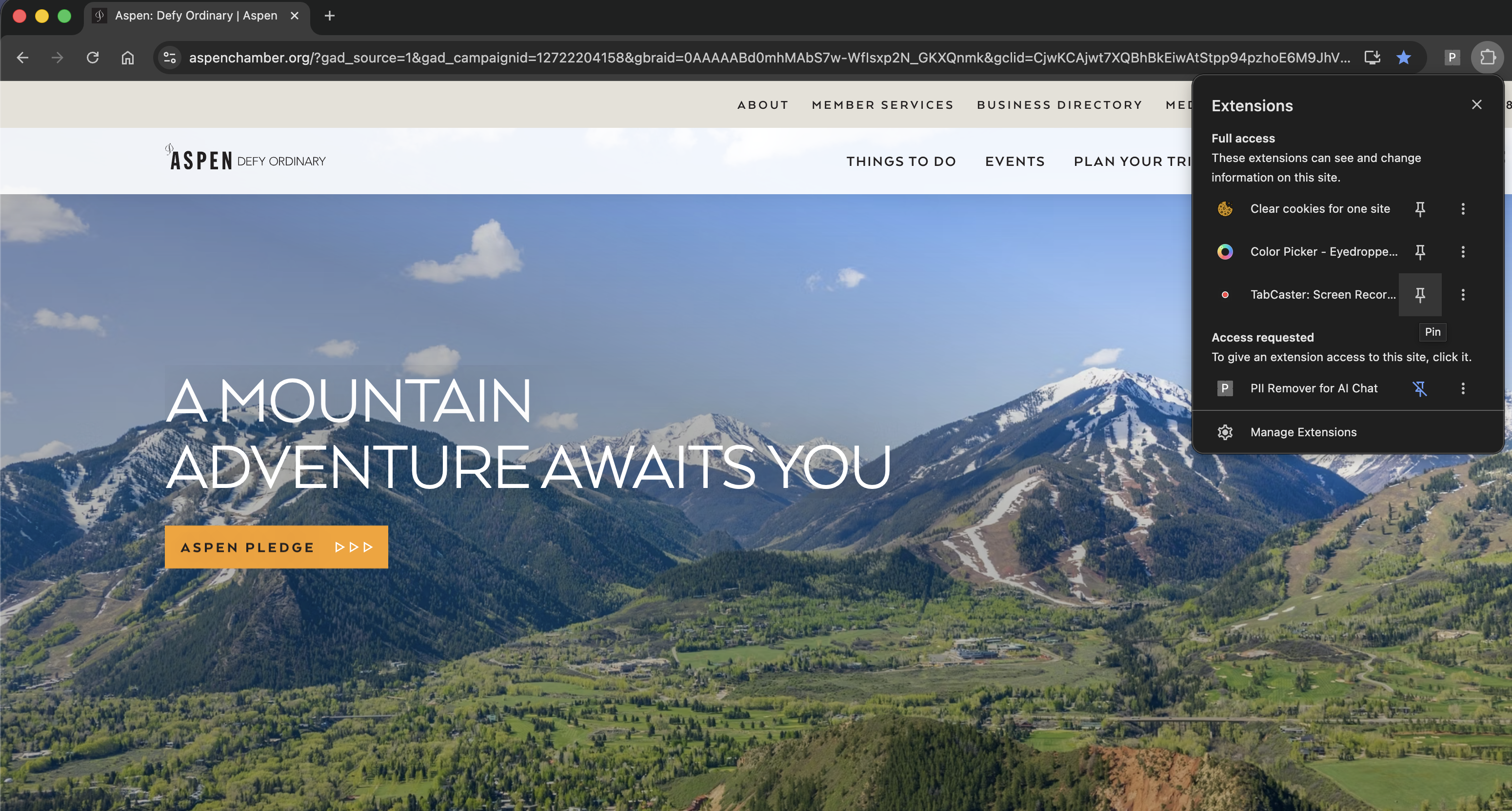
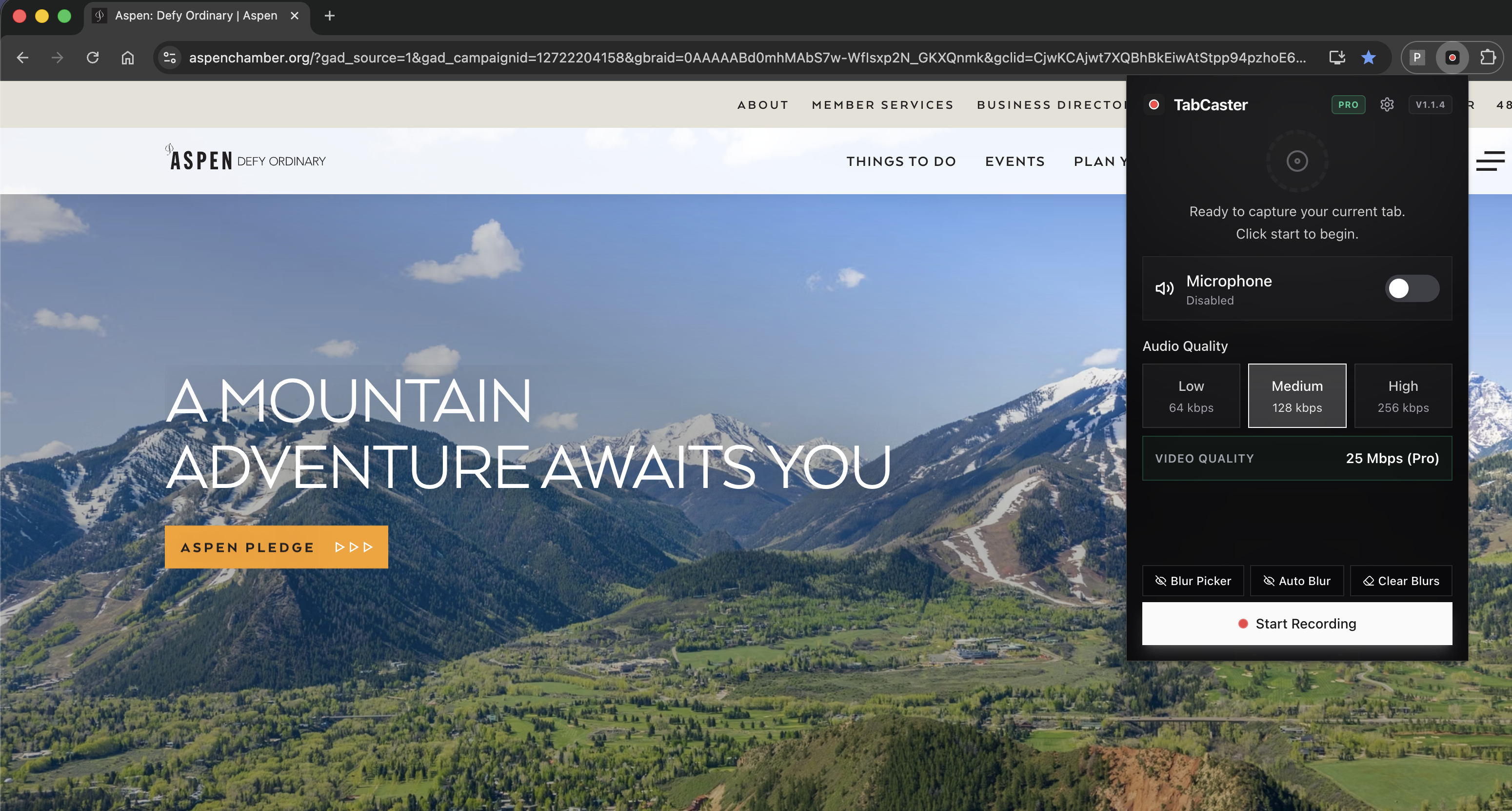
Private recording starts before you click record: prepare the tab, remove unnecessary data, and capture only what needs to be shown.
- 1
Use a test account or sanitized workspace when possible.
- 2
Open only the tab you need and check the page for private fields.
- 3
Enable blur for common sensitive patterns if you use Pro.
- 4
Record and save locally, then share the file only through approved channels.
Why keeping the recording local fits approved storage workflows
Many recording workflows turn a private browser moment into a hosted video by default. TabCaster keeps the output as a local file first, which fits teams that already have approved storage, ticketing, or documentation systems.
Privacy
What local processing does and does not solve
Local processing means the recording workflow does not require sending the captured video to TabCaster's servers. It does not mean every shared file is automatically safe. You still control the final destination and should review recordings before sending them.
Limitations
What to know before recording
- Local files can still be shared incorrectly after export.
- Blur is a helpful safeguard, not a substitute for sanitized test data.
- Managed Chrome environments may apply their own capture and extension policies.
FAQ
Practical questions
Answers are visible for readers. This page does not depend on FAQ rich-result markup.
Does TabCaster upload recordings to the cloud?
The product workflow described on this site saves recordings locally and does not require a cloud upload.
Can I record customer data?
Use test data when possible. If real data is visible, blur sensitive fields and review the final file before sharing.
Is this private enough for regulated work?
That depends on your organization's policies. TabCaster supports local capture, but you should follow your internal compliance rules.
Record the tab, keep the file.
Install TabCaster, record a focused browser workflow, and save a local WebM file without a required cloud upload.
Add to Chrome Free