Product demo screen recorder
Record product demos where your product already lives
Who this is for
Built for a specific recording job
These pages are written for people deciding whether TabCaster fits a real workflow, not for generic screen recording theory.
Founders recording launch demos and quick investor/customer walkthroughs.
Product marketers creating release notes, onboarding clips, and feature tours.
Customer teams showing a workflow without scheduling another meeting.
Workflow
Demo workflow for SaaS products
A useful product demo is short, intentional, and focused on one workflow or outcome.
- 1
Write a three-line outline: problem, workflow, result.
- 2
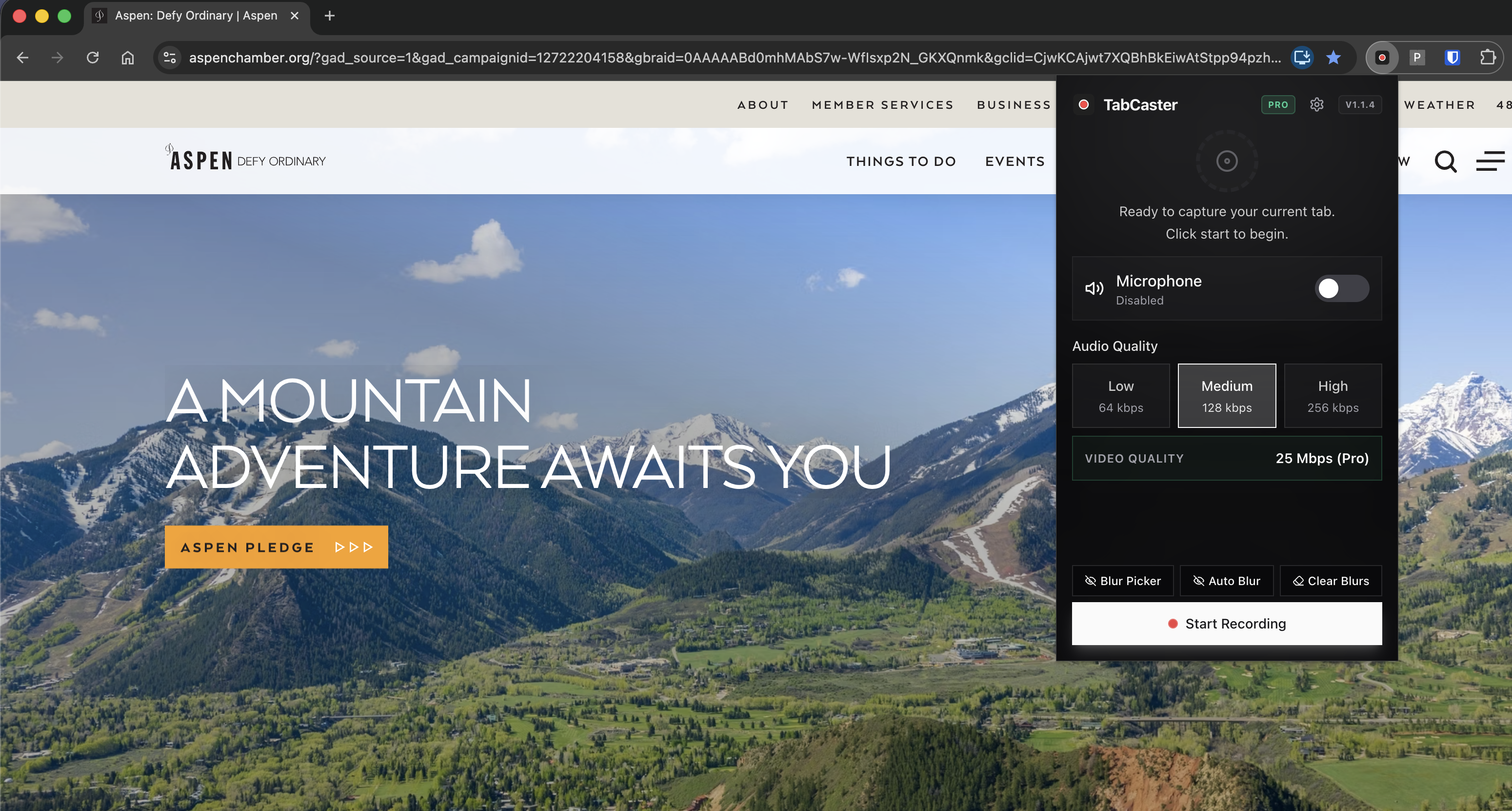
Open a clean demo account and zoom the browser so UI text is readable.
- 3
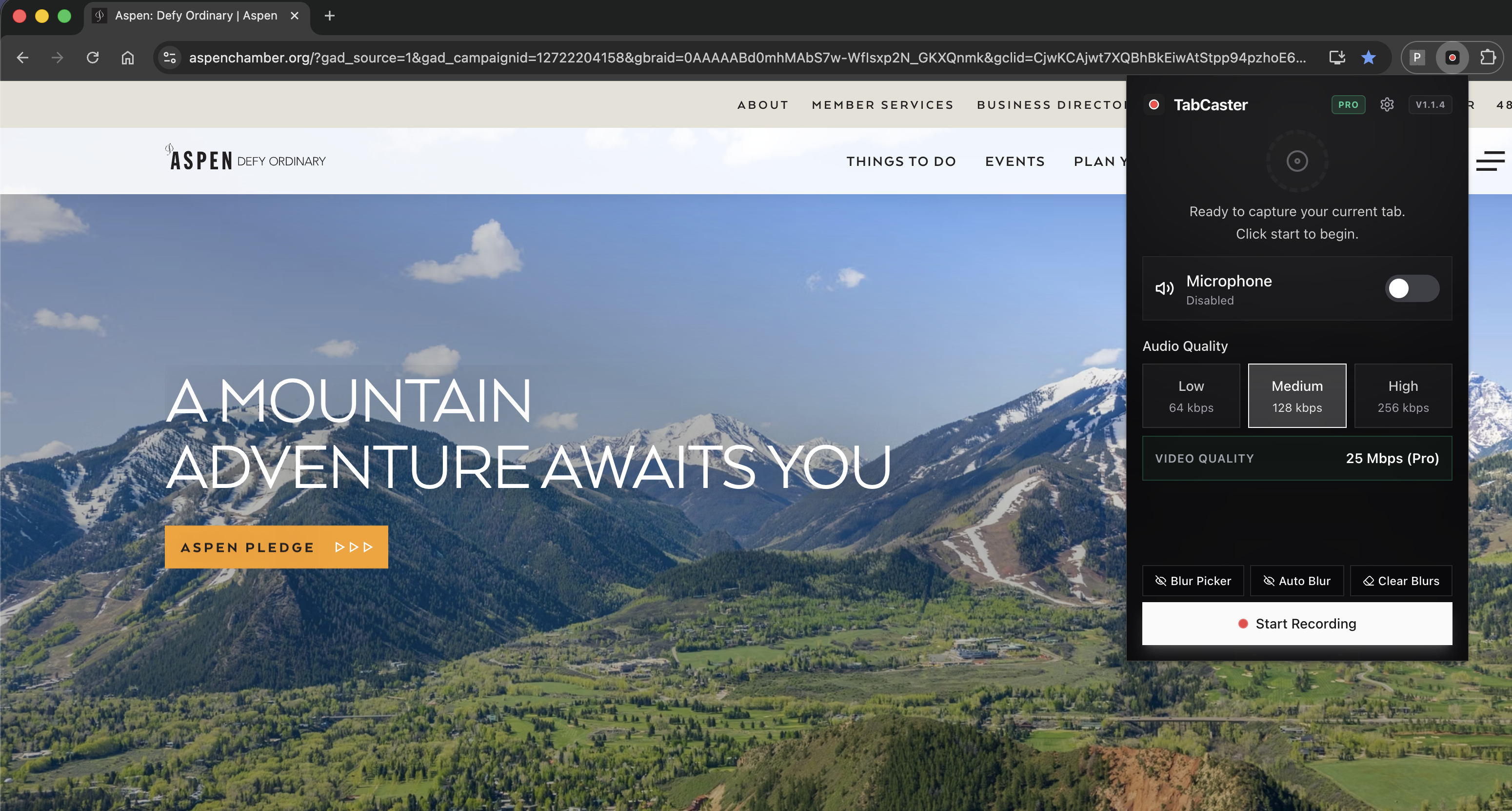
Turn on microphone narration and blur any real customer or revenue data.
- 4
Record one focused workflow, then save the WebM file for sharing or editing.
Why a focused browser recording ships faster than a studio production
Many product demos do not need a studio workflow. A focused browser recording is enough for launch notes, onboarding answers, internal updates, and quick customer follow-ups.
Privacy
Demo data privacy
Use a demo workspace whenever possible. If you must record a real account, blur sensitive fields before capture and review the final file before publishing or sending it to prospects.
Limitations
What to know before recording
- TabCaster does not add advanced video editing, captions, or hosting.
- Marketing publishing workflows may require MP4 conversion.
- Long multi-feature tours usually perform worse than short focused clips.
FAQ
Practical questions
Answers are visible for readers. This page does not depend on FAQ rich-result markup.
How long should a product demo recording be?
Most browser demos work best when they focus on one workflow and stay around two to five minutes.
Can I record launch demos with TabCaster?
Yes. Record the browser workflow, narrate the value, and share or edit the exported file.
Should I record real customer data?
Use demo data where possible. If real data appears, blur it and review the file carefully before sharing.
Related
Keep going
TabCaster features
See the core recording, audio, privacy, WebM, and Pro quality features.
Privacy notes
Review how local recording, downloads, and browser permissions are described.
Product demo guide
A practical guide to browser-based product demos.
Screen recorder for sales
Send personalized async demo videos as sales follow-ups.
Record the tab, keep the file.
Install TabCaster, record a focused browser workflow, and save a local WebM file without a required cloud upload.
Add to Chrome Free