Bug report screen recorder
Record bug reports developers can reproduce
Who this is for
Built for a specific recording job
These pages are written for people deciding whether TabCaster fits a real workflow, not for generic screen recording theory.
QA testers who need reproducible browser bug reports.
Support agents escalating customer issues to engineering.
Product teams sharing UI regressions without long written threads.
Workflow
Ticket-ready bug report workflow
A useful bug recording shows context, expected behavior, actual behavior, and the exact steps in one short clip.
- 1
Open a clean browser state and navigate to the page showing the issue.
- 2
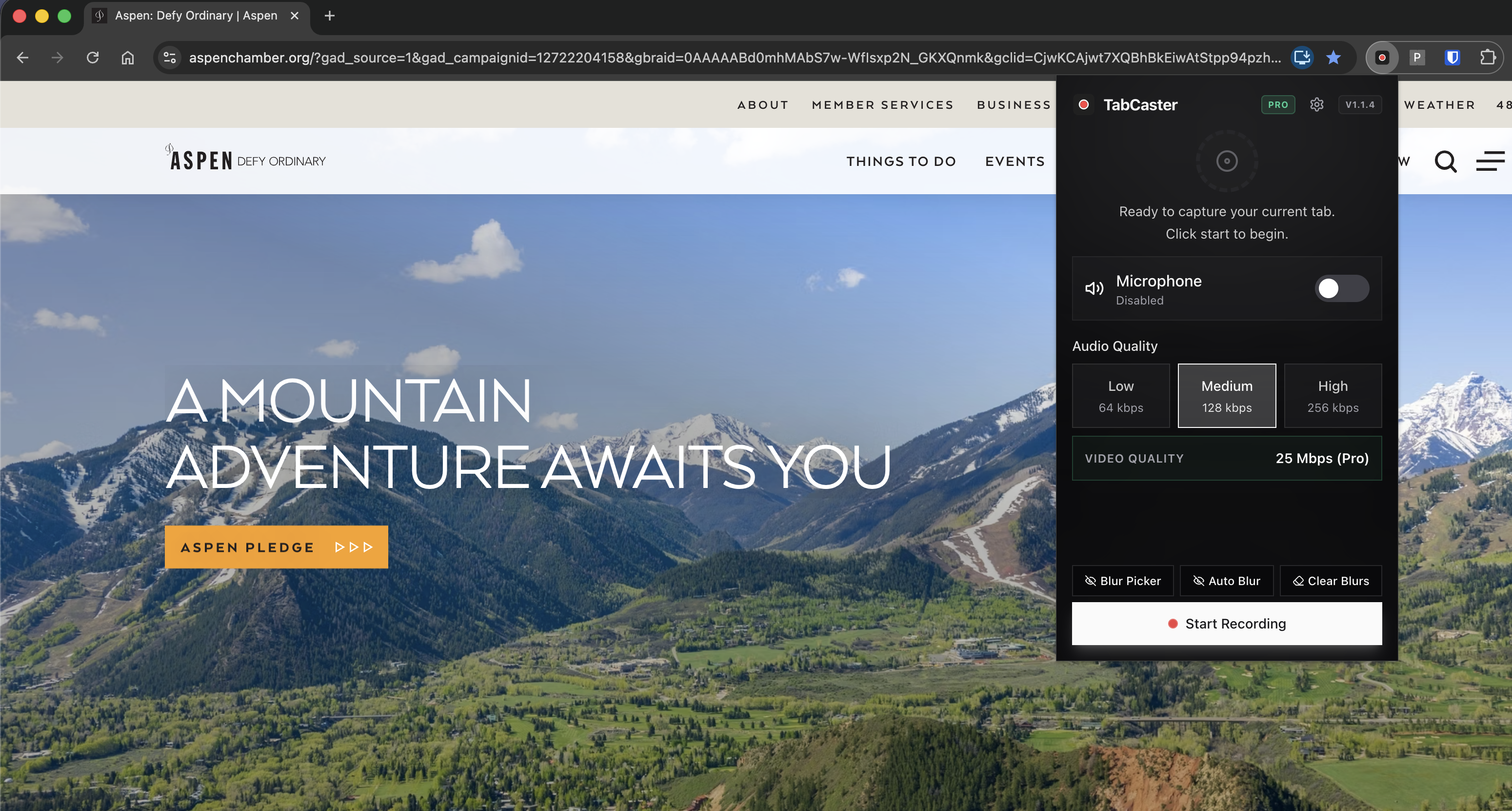
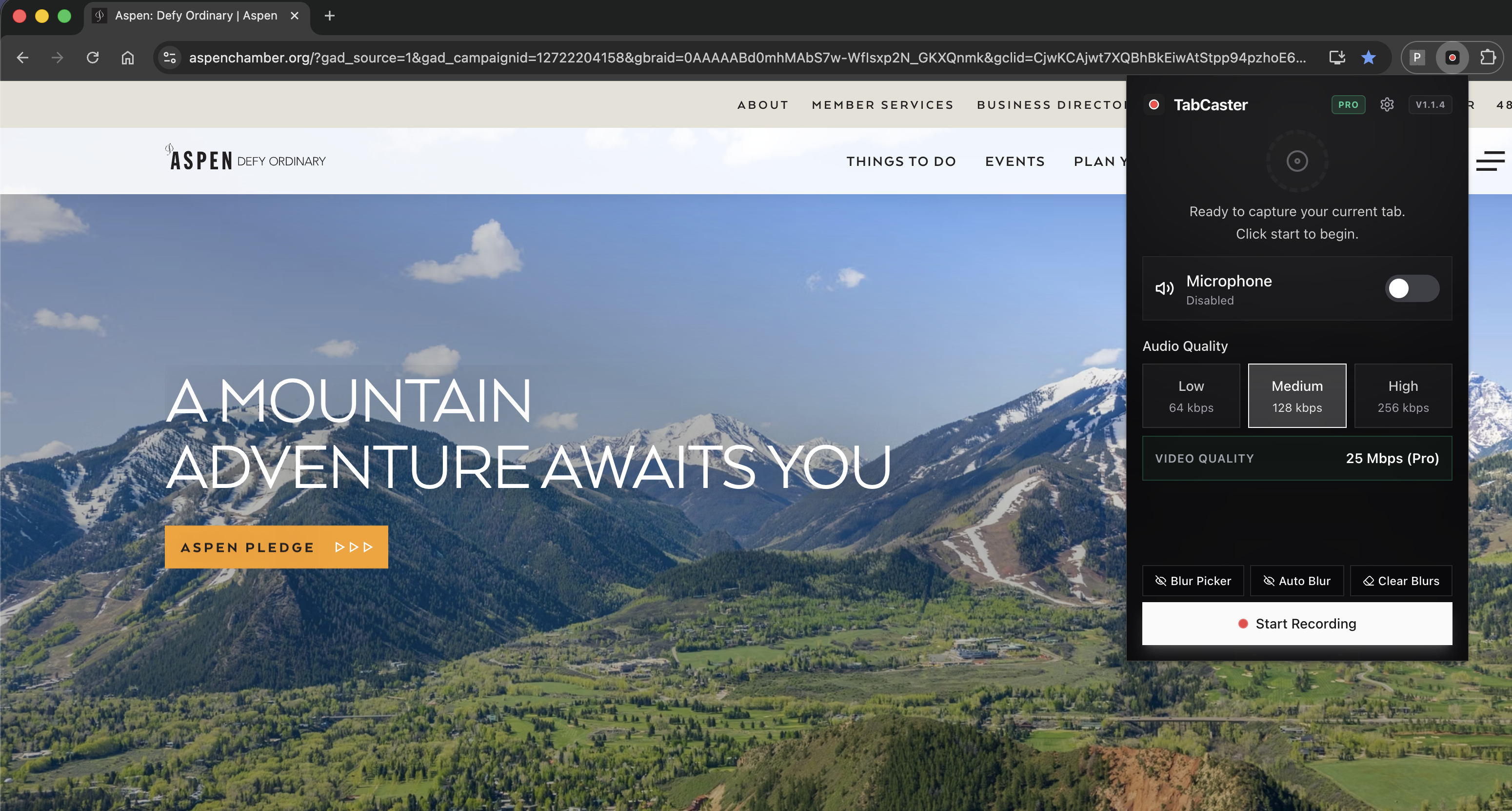
Turn on microphone narration and, if needed, blur visible sensitive data.
- 3
State the expected result, reproduce the bug, and point out the actual result.
- 4
Attach the WebM file to Jira, GitHub, Linear, Zendesk, Intercom, Slack, or your support ticket.
- 5
Use this ticket note: Expected: __. Actual: __. Steps shown in attached recording. Browser: __. Account/test data: __.
Why narration reduces back-and-forth
A silent recording shows clicks. A narrated recording explains intent. Saying what you expected before the failure gives engineering enough context to distinguish a real bug from a confusing state, permission issue, or missing setup step.
Privacy
Blur before the bug leaves your browser
Bug reports often expose real customer names, emails, internal IDs, tokens, and account state. TabCaster Pro can blur common sensitive patterns before capture so the exported file is safer to attach to a third-party ticketing system.
Limitations
What to know before recording
- Some ticketing systems preview MP4 more reliably than WebM, so conversion may be needed.
- Do not rely only on blur for highly regulated data; use test accounts whenever possible.
- Record one bug per clip so each issue can be triaged and assigned independently.
FAQ
Practical questions
Answers are visible for readers. This page does not depend on FAQ rich-result markup.
What should I say in a bug recording?
State what you expected, perform the minimal reproduction steps, then point out what actually happened.
Can I attach WebM files to tickets?
Many tools accept WebM, but some workflows prefer MP4. Convert the file if your ticket system does not preview WebM well.
Does blur replace a privacy review?
No. Blur helps, but you should still review the recording and avoid real sensitive data where possible.
Related
Keep going
TabCaster features
See the core recording, audio, privacy, WebM, and Pro quality features.
Privacy notes
Review how local recording, downloads, and browser permissions are described.
Bug reports with audio guide
More detail on recording clear narrated bug reports.
Screen recorder for developers
How engineers use tab recording for bug repros attached to GitHub and Linear.
Record the tab, keep the file.
Install TabCaster, record a focused browser workflow, and save a local WebM file without a required cloud upload.
Add to Chrome Free