WebM screen recorder
Record browser tabs directly to WebM
Who this is for
Built for a specific recording job
These pages are written for people deciding whether TabCaster fits a real workflow, not for generic screen recording theory.
Teams attaching recordings to tickets, docs, support threads, or internal chat.
Users who want fast browser-native export without server-side conversion.
Creators who understand they may convert later for publishing platforms.
Workflow
Use WebM as the capture format
WebM is a strong default for browser-native capture because it keeps the recording workflow fast and local.
- 1
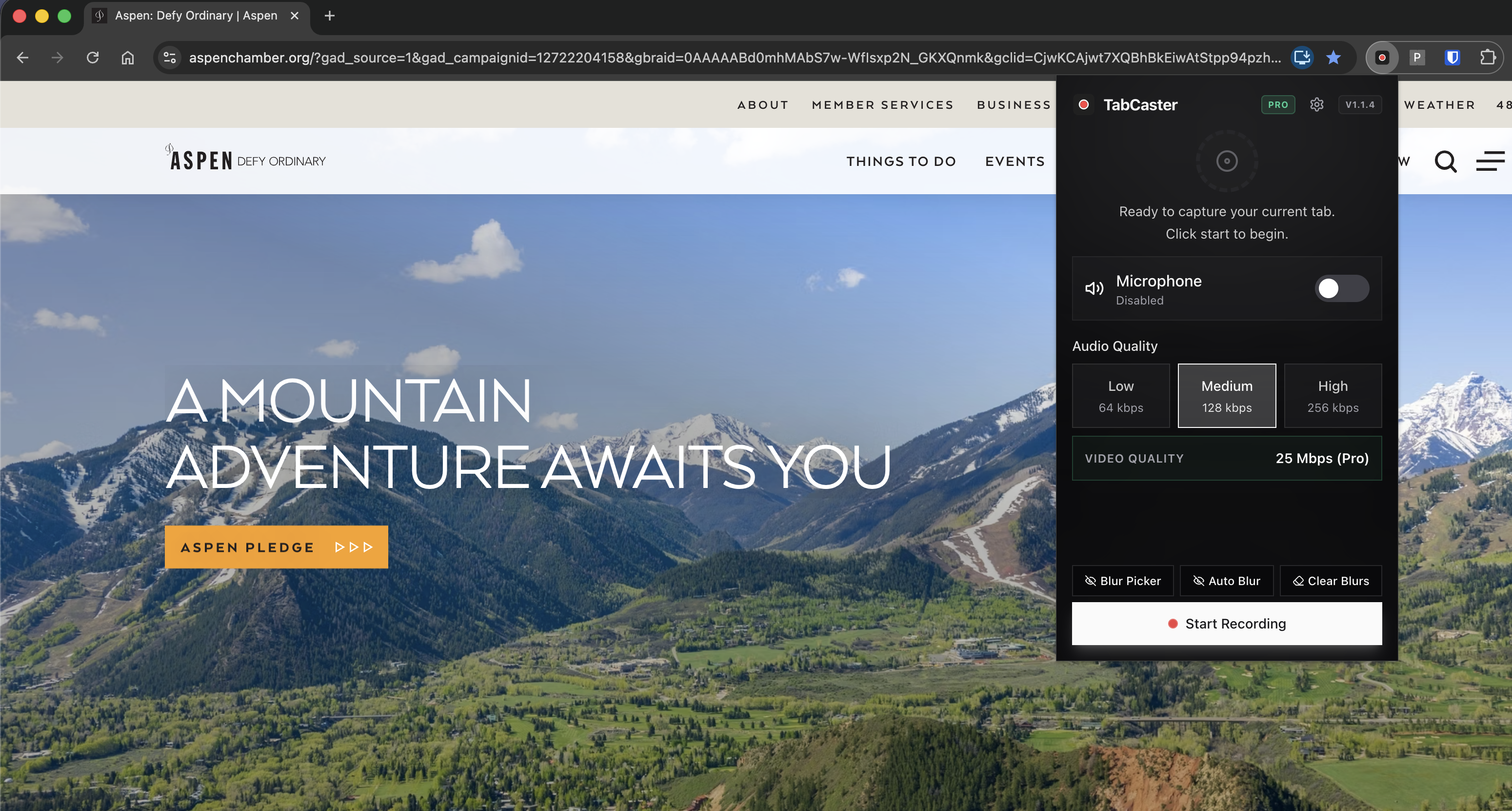
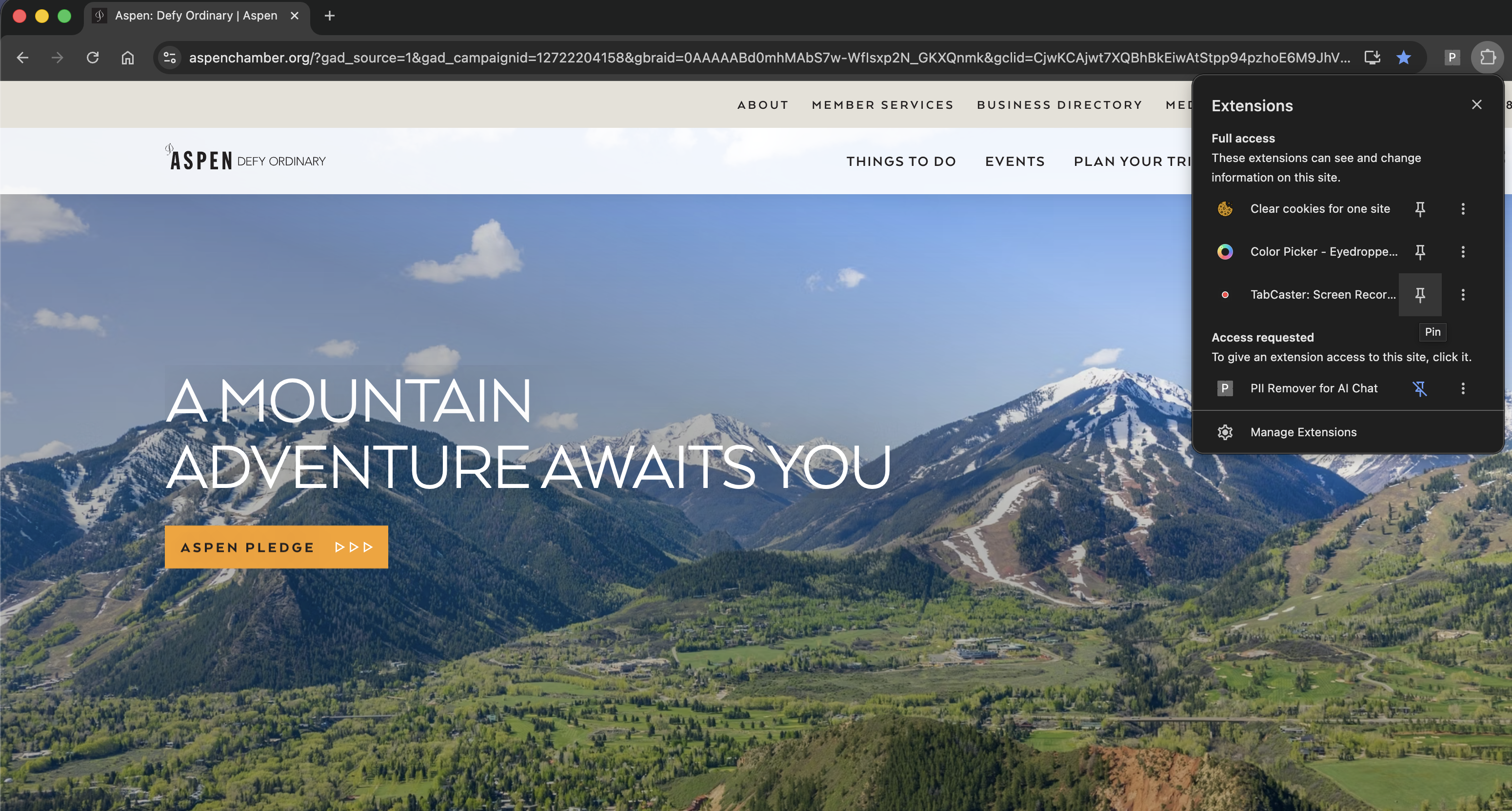
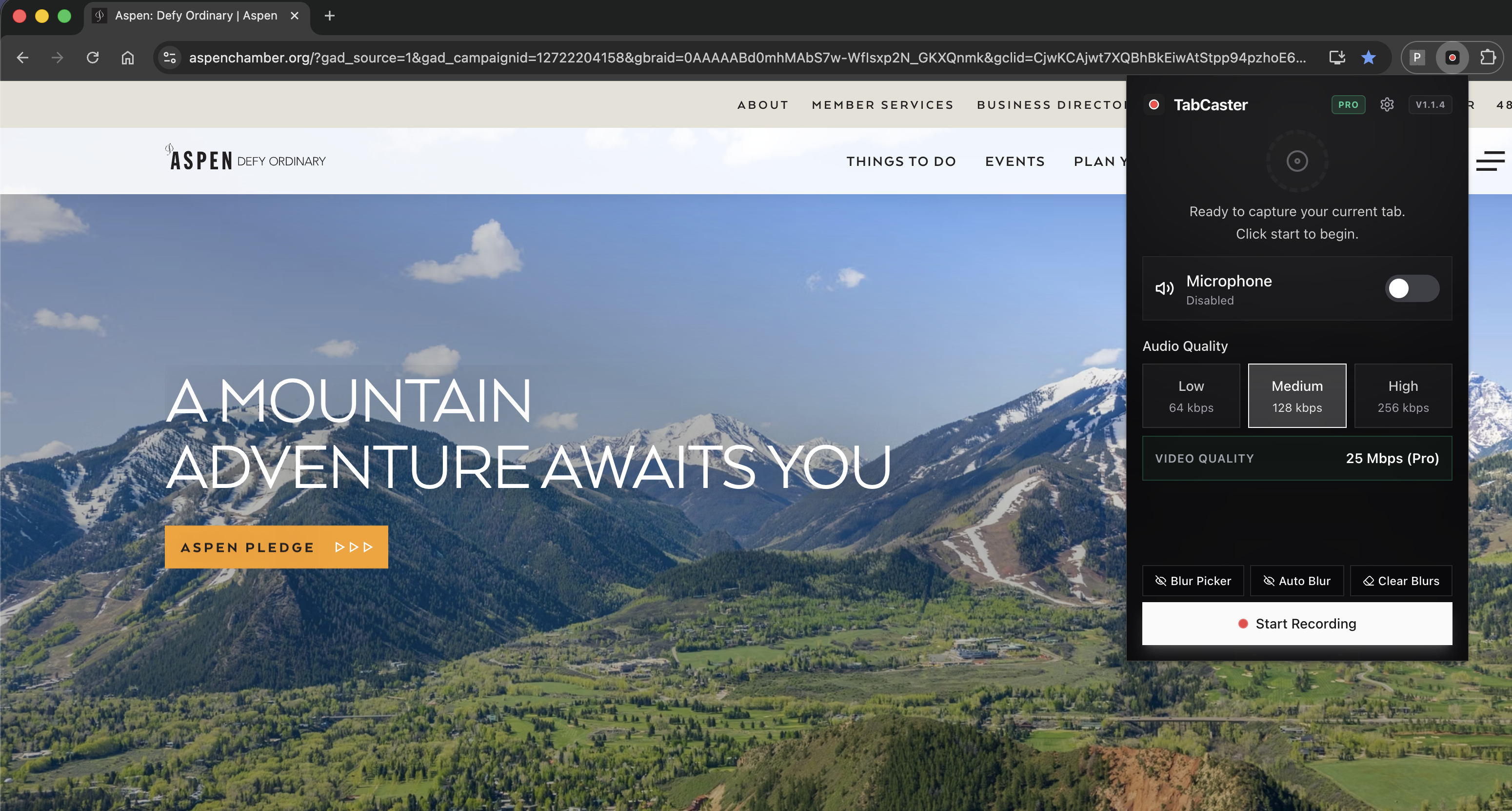
Record the Chrome tab with TabCaster.
- 2
Save the WebM file to Downloads when recording stops.
- 3
Share the WebM directly when your audience can play it in a modern browser.
- 4
Convert to MP4 for older tools, certain LMS platforms, social platforms, or editing workflows that require it.
Why browser recorders use WebM
Chrome's browser recording APIs can encode WebM directly, which avoids an extra upload or conversion step. That makes WebM a good working format for quick support clips, product demos, and internal documentation.
Privacy
Local format, local control
Because the browser can produce WebM locally, TabCaster can save the recording directly to your machine. The privacy benefit comes from the no-required-upload workflow, not from the file format alone.
Limitations
What to know before recording
- Some platforms and editors prefer MP4 over WebM.
- Older devices or browsers may not play WebM as smoothly.
- Conversion adds an extra step when publishing outside internal workflows.
FAQ
Practical questions
Answers are visible for readers. This page does not depend on FAQ rich-result markup.
Is WebM good for screen recordings?
Yes, especially for browser playback, internal sharing, support tickets, and documentation.
When should I convert WebM to MP4?
Convert when the destination platform, editor, LMS, or recipient does not accept WebM reliably.
Does WebM mean the recording is private?
No. Privacy comes from how the recording is captured, stored, and shared. TabCaster's local workflow helps with that.
Record the tab, keep the file.
Install TabCaster, record a focused browser workflow, and save a local WebM file without a required cloud upload.
Add to Chrome Free