Screencastify alternative
A focused Screencastify alternative for quick Chrome tab recordings
Who this is for
Built for a specific recording job
These pages are written for people deciding whether TabCaster fits a real workflow, not for generic screen recording theory.
Teachers or trainers who need simple browser lesson clips without a heavy production workflow.
Support and product teams recording one tab for a ticket, demo, or walkthrough.
Users who prefer downloading a file directly instead of routing recordings through a hosted account.
Workflow
Record the browser work, then use your existing sharing system
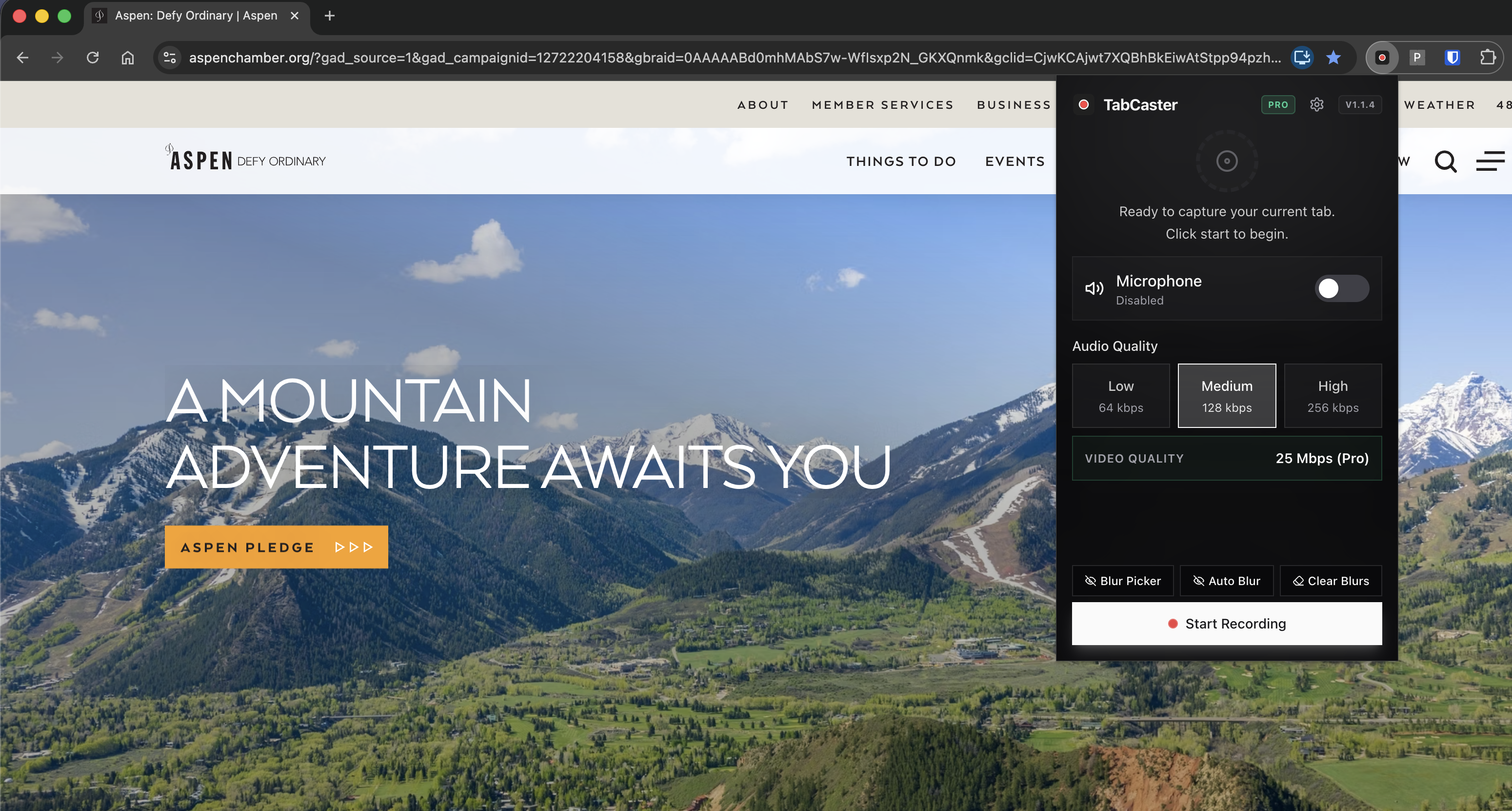
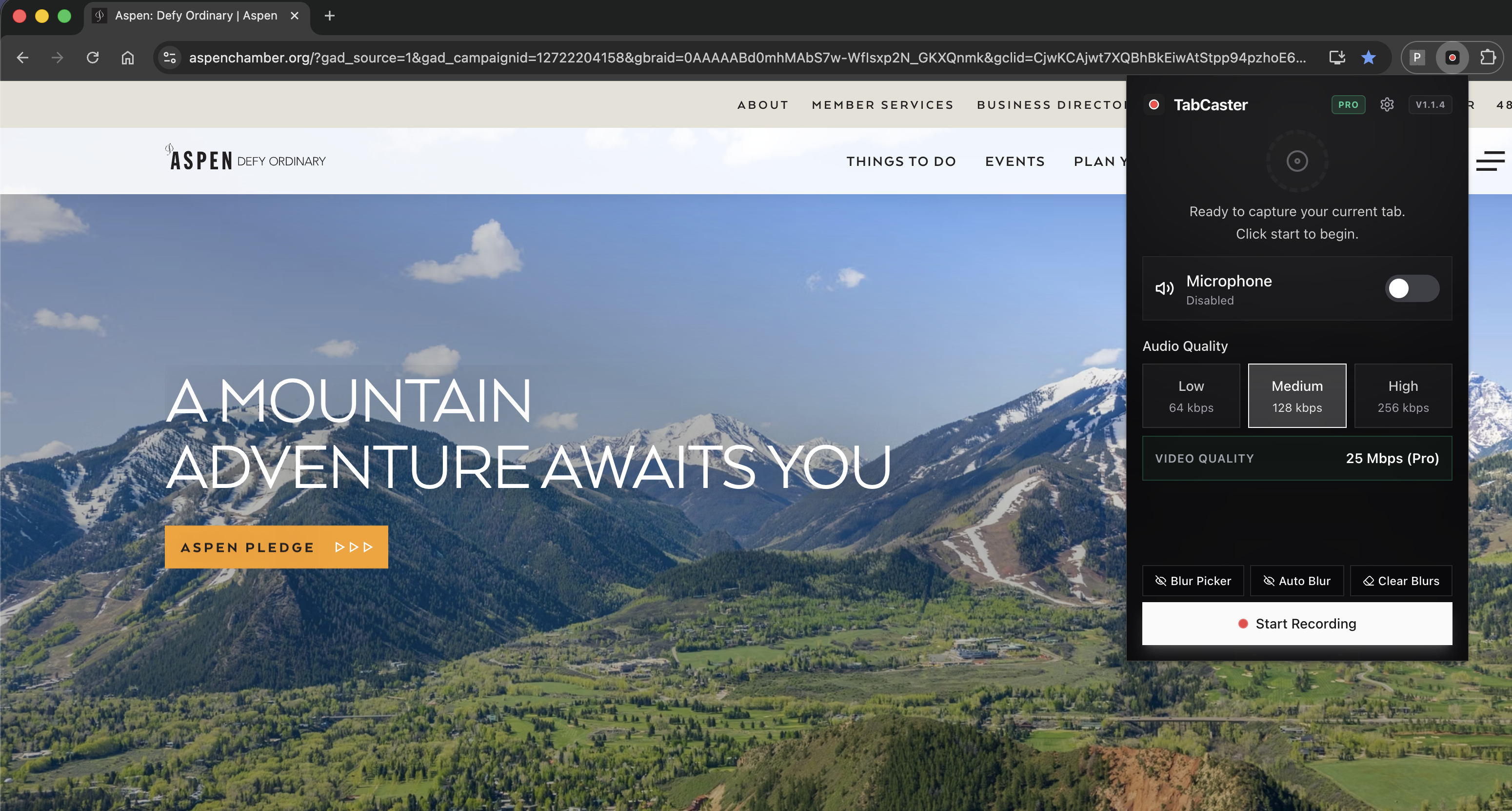
TabCaster keeps the workflow intentionally small so a quick explanation does not become a platform setup task.
- 1
Open the lesson, app, form, dashboard, or webpage you want to show.
- 2
Choose whether to include microphone narration and tab audio.
- 3
Record the workflow in Chrome and stop when the explanation is complete.
- 4
Use the WebM file in your LMS, ticket, chat, docs, or editor.
Why a focused recorder fits most workflows better than a full suite
TabCaster is intentionally narrow: capture a selected browser tab, include audio, and save the file. That is useful when the recording is part of a larger workflow you already have, rather than a destination platform by itself.
Comparison
When each tool makes sense
| Need | TabCaster | Alternative |
|---|---|---|
| Single Chrome tab walkthrough | Strong fit for quick local capture and WebM export. | Screencastify may add value if you need its education platform features. |
| Account-light recording | Designed around recording without a required account workflow. | Check Screencastify's current sign-in and storage requirements for your plan. |
| Student or customer data | Local export plus optional sensitive-data blur. | Use the current privacy controls provided by the education platform. |
Privacy
Privacy posture
Recordings are processed locally in the browser and saved to Downloads. If student details, customer records, or internal data are visible, use a test account where possible and blur sensitive fields before capture.
Limitations
What to know before recording
- TabCaster is not an LMS, assignment manager, or classroom video hub.
- WebM playback support should be checked in your LMS or district tooling.
- Browser and microphone permissions can vary by managed device policy.
FAQ
Practical questions
Answers are visible for readers. This page does not depend on FAQ rich-result markup.
Is TabCaster only for teachers?
No. It works for any Chrome tab recording workflow, including lessons, support tickets, bug reports, demos, and training clips.
Can I upload TabCaster recordings to an LMS?
Usually, if the LMS accepts WebM. If it requires MP4, convert the WebM file before uploading.
Does TabCaster manage assignments or comments?
No. TabCaster records and exports files. Use your LMS or collaboration tools for assignment and comment workflows.
Related
Keep going
TabCaster features
See the core recording, audio, privacy, WebM, and Pro quality features.
Privacy notes
Review how local recording, downloads, and browser permissions are described.
Screen recorder for teachers
A more classroom-specific recording workflow.
TabCaster vs Screencastify comparison
Full feature table comparing both tools with honest trade-offs.
Record the tab, keep the file.
Install TabCaster, record a focused browser workflow, and save a local WebM file without a required cloud upload.
Add to Chrome Free