Screen recorder for teachers
Record browser lessons without turning it into a production project
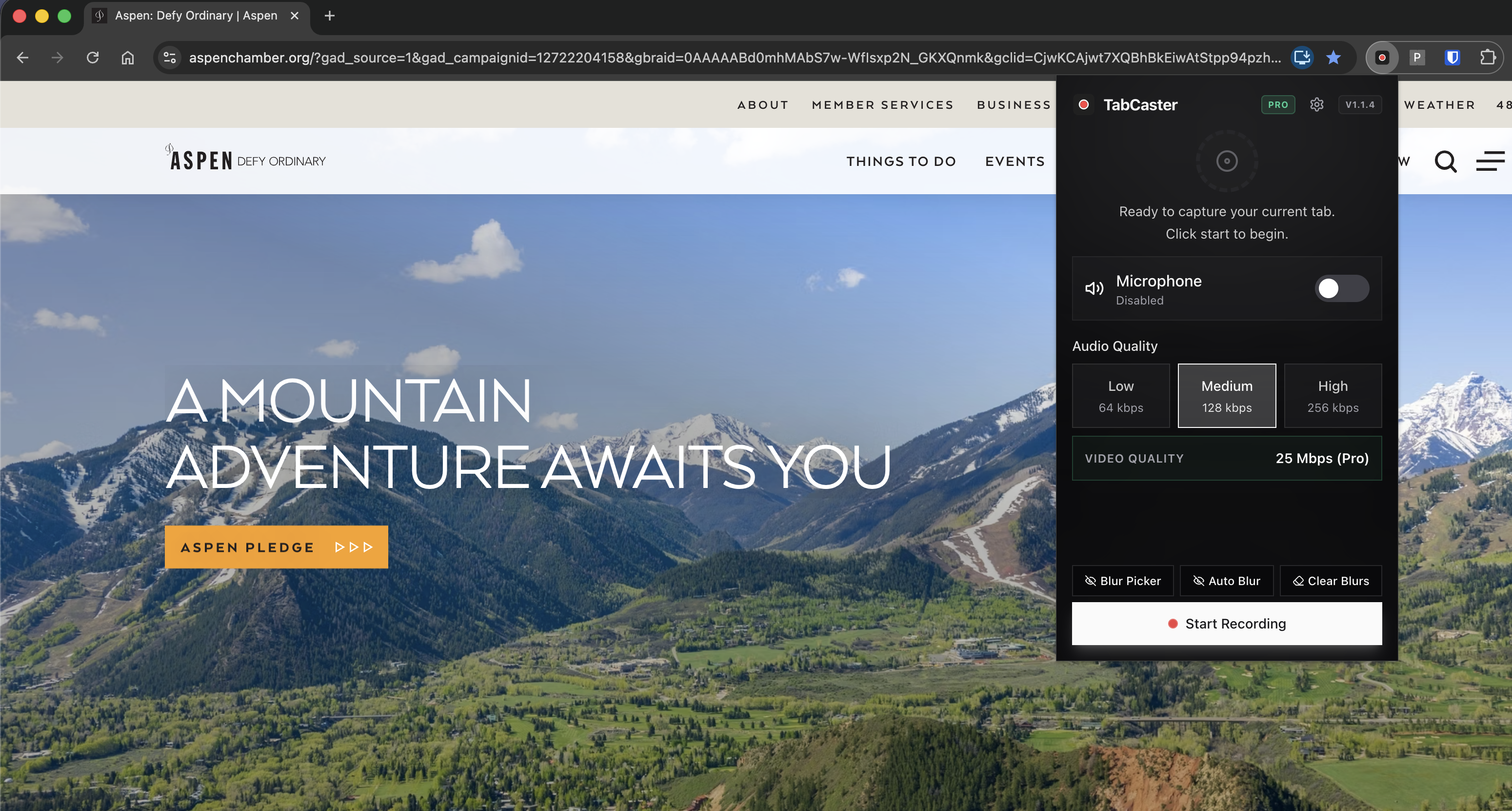
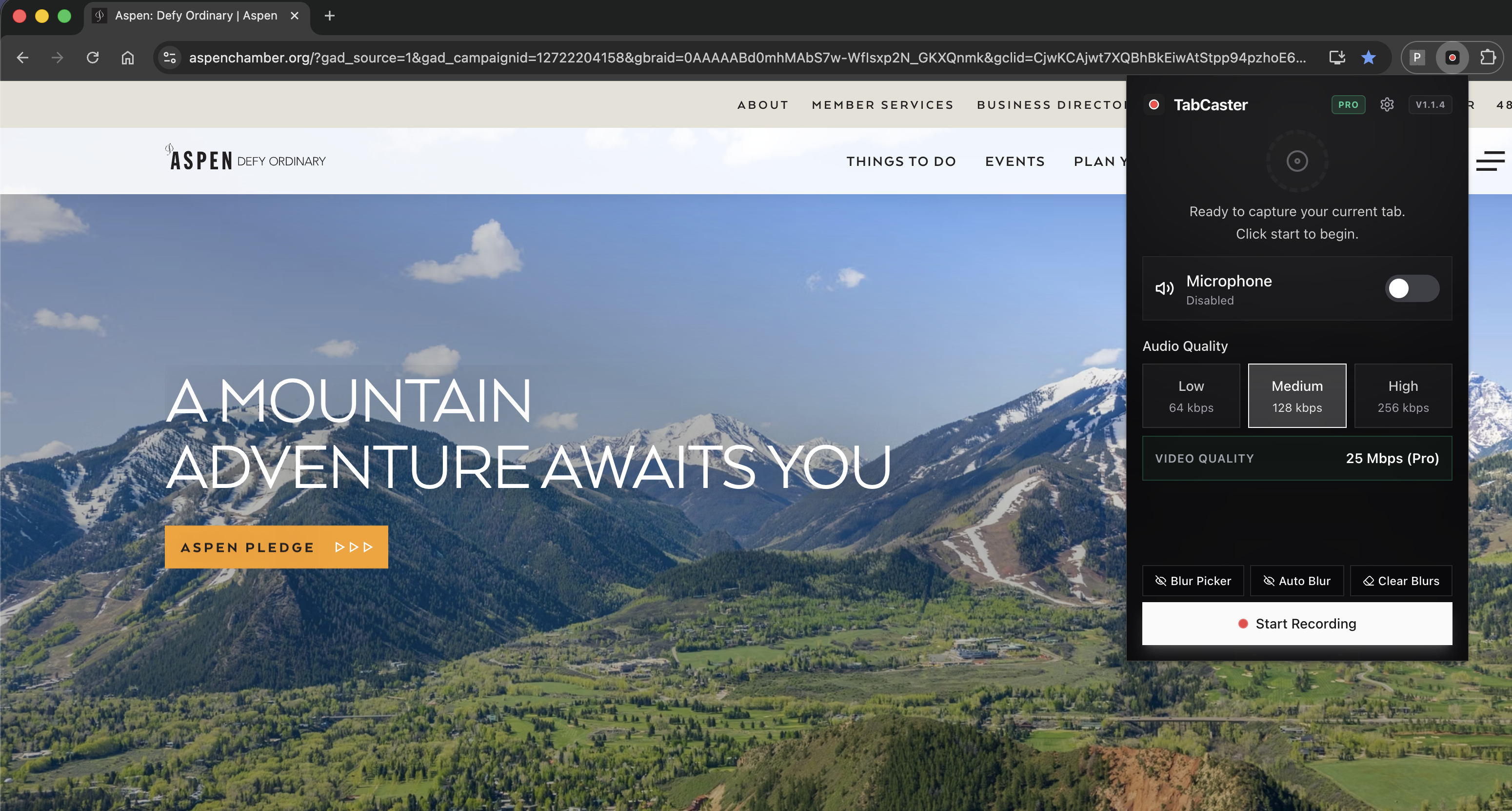
Who this is for
Built for a specific recording job
These pages are written for people deciding whether TabCaster fits a real workflow, not for generic screen recording theory.
Teachers recording short browser-based lessons or LMS walkthroughs.
Trainers explaining a web app, assignment portal, or research workflow.
Educators who want a local file they can upload to approved school systems.
Workflow
Classroom-friendly browser lesson workflow
The strongest teacher use case is not generic screen recording. It is a focused browser lesson that students can replay.
- 1
Open the LMS page, worksheet, research site, or web app you plan to teach.
- 2
Hide student names, grades, messages, and other private information.
- 3
Record one concept at a time with microphone narration.
- 4
Upload the WebM file if your LMS supports it, or convert to MP4 if your school system requires MP4.
Why short browser clips teach better than written step-by-step guides
Teachers often need quick reusable explanations: where to click, how to submit work, how to use a web tool, or how to complete a browser-based activity. TabCaster keeps those clips simple and local.
Privacy
Student information privacy
Before recording, remove student names, grades, messages, or personally identifiable information from the tab. Local export helps control where the file goes, but school privacy policy still determines how recordings should be stored and shared.
Limitations
What to know before recording
- TabCaster is not an LMS, grading tool, captioning system, or classroom video platform.
- Some school systems may require MP4, captions, or approved hosting before sharing with students.
- Managed Chromebooks may restrict extensions, microphone access, or screen capture.
FAQ
Practical questions
Answers are visible for readers. This page does not depend on FAQ rich-result markup.
Can teachers use TabCaster for LMS walkthroughs?
Yes. It is a good fit for showing students how to navigate a browser-based assignment or LMS workflow.
Will the WebM file work in my LMS?
Many modern systems support WebM, but some require MP4. Test your LMS and convert if needed.
What student information should I hide?
Hide names, grades, messages, IDs, accommodations, and any other information your school treats as private.
Related
Keep going
TabCaster features
See the core recording, audio, privacy, WebM, and Pro quality features.
Privacy notes
Review how local recording, downloads, and browser permissions are described.
Record with audio
Set up microphone narration and tab audio for clearer lessons.
TabCaster vs Screencastify
Full comparison of both tools for classroom and education workflows.
Record the tab, keep the file.
Install TabCaster, record a focused browser workflow, and save a local WebM file without a required cloud upload.
Add to Chrome Free